


Dear Pippen Community,
We are very excited to share our latest release: the Pippen Template Library, along with a major overhaul of our Customizations tab. This has been one of our most requested—and most impactful—updates yet.
The goal of this release is simple: to give you templates that work out of the box, while still allowing you to fully customize them to your workflow.
Here are the newest features:
1. Template Library
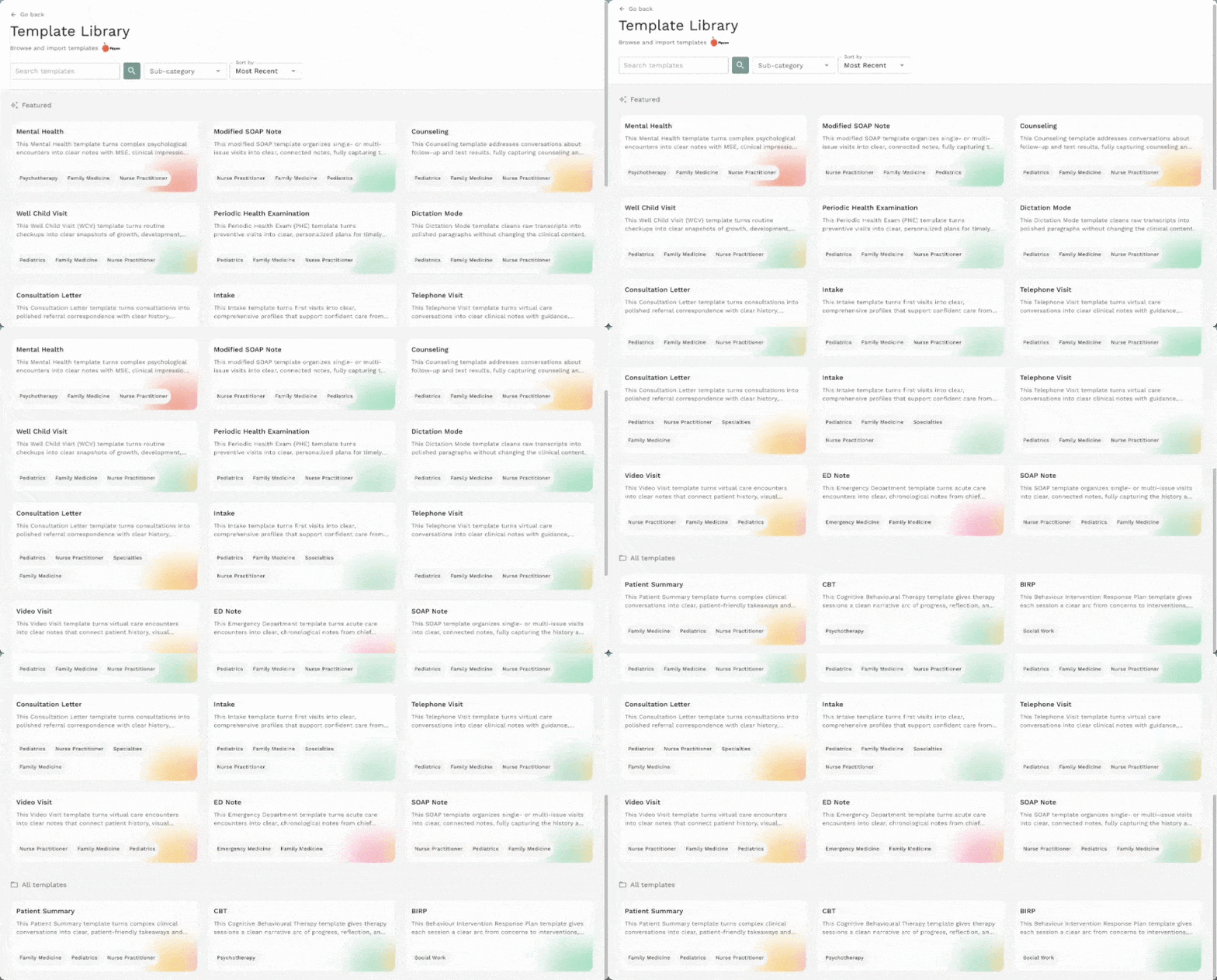
Pippen’s Template Library is a growing library where you can browse and preview templates that are helpful for your workflow. Here, you’ll find templates that are a little more specialized to your practice (e.g. Consultation Letters, ED Visits,
CBT).
2. Starter Kit Templates (already in your “My Templates”)
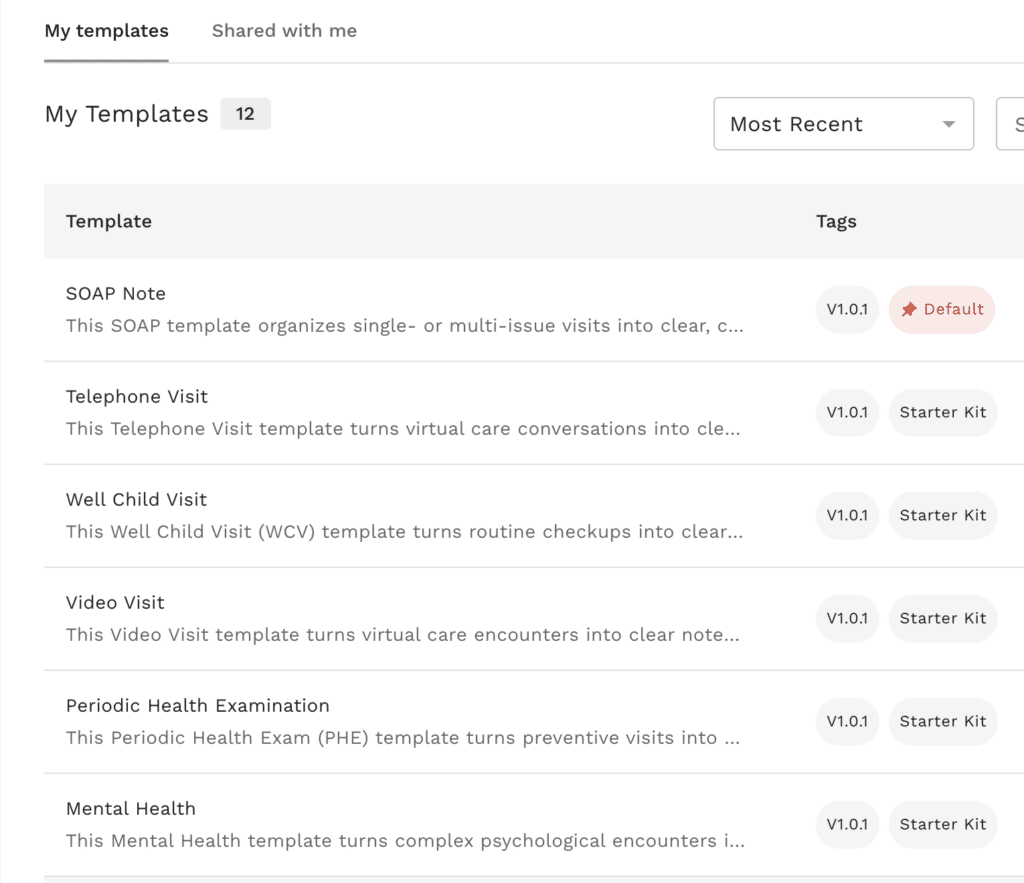
Starter Kit Templates are a collection of ready-to-use templates—SOAP, mental health, PHE, telephone visit, intake, patient summaries, and more—automatically added to “My Templates,” the new interface where your templates will be stored.
3. Template sharing
Got a really good template? You can now share templates with colleagues and import templates shared with you in the ‘My Templates’ interface!

4. Direct Formatting Control
Now, you can show (rather than tell) Pippen exactly how you want to see the formatting in your notes- for example, when you bold the section header in your template instructions, your documentation will have the section header bolded. Simple!
5. Global preferences & toggles
To make customizing all of your notes easier, we’ve also introduced one-click toggles (e.g., adding consent statements) inside ‘Global Preferences.’* This makes it easier for you to customize your notes- without having to type out instructions.
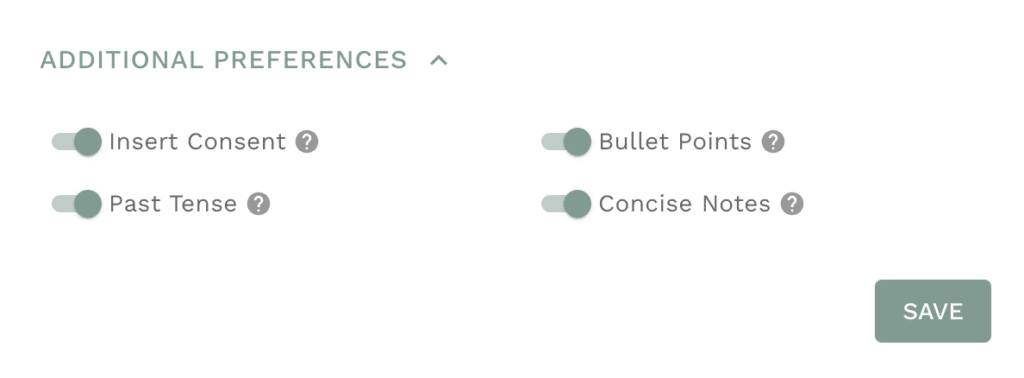
*‘Global Preferences’ are documentation preferences that you want to see reflected in all of your notes- such as making notes more concise or using abbreviations.
Check out the video below to see the new Customizations tab and template library in action!
Your partners on the frontlines,
AJ and Mary
Co-Founders, Pippen AI
Schedule a one-on-one demo here.

 I 100 percent recommend this to any family physician. I didn't realize how cumbersome charting had become until Pippen eliminated it as a burden for me. My days are immeasurably more enjoyable and I am able to deliver better care to my patients. Pippen takes my feedback to constantly improve my notes. Because of Pippen my workdays are a breeze whereas before they were a tsunami of paperwork