


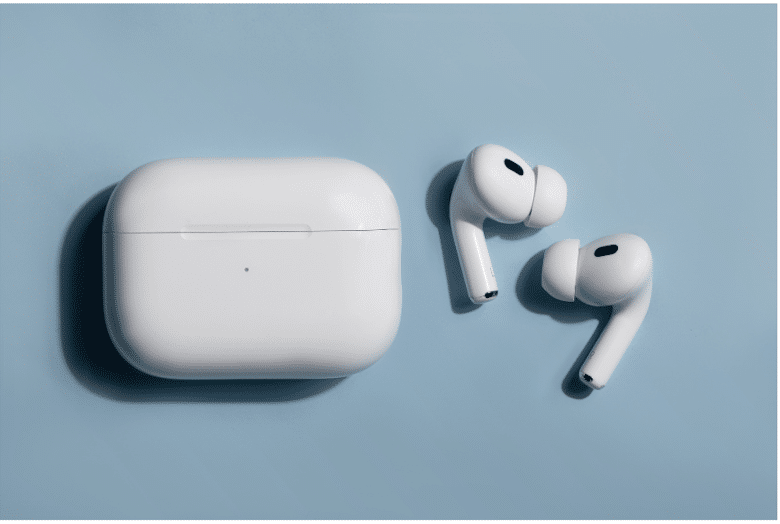
We’re excited to announce a major update to Pippen: full support for headsets during patient visits.
Whether you’re seeing patients in person, online, or over the phone, Pippen adapts to how you work.
Why This Update Matters
Care today happens across in-person visits, telehealth, and phone calls, but documentation tools haven’t kept up, especially when it comes to audio flexibility and privacy.
We’ve heard this directly from physicians:
- “I don’t want to use speakerphone during virtual visits.”
- “I need a more private way to capture notes.”
How to Get Started
Getting set up for headsets takes just a few minutes:
- Download the Pippen Companion App
👉 https://pippen.ai/downloads/ - Set up your audio preferences
Choose your headset as the microphone. - Start your visit
Use Pippen during both in-person and virtual visits.
Key Features
- Flexible Audio Support (System Audio, Headsets, Speaker, or Device Mic)
Use Bluetooth headsets, wired headsets, speakerphone, or your device’s built-in microphone—whatever fits your workflow. - System-Level Audio Capture
Captures audio directly from your device for consistent performance across telehealth platforms, phone calls, and in-clinic visits. - Built for Everyday Clinical Use
Reliable throughout your day, whether you’re switching between in-person, virtual, or phone appointments.
Built for the Way You Practice
Pippen was built for family doctors and primary care, to make documentation faster and less of a burden.
That means adapting to how your day actually works, not forcing you into a specific setup.
Need Assistance?
If you need help getting set up or have questions about using Pippen with telehealth or headsets, our team is here to help.
Reach out anytime at team@pippen.ai or through in-app support—we’ll get you up and running.

 I 100 percent recommend this to any family physician. I didn't realize how cumbersome charting had become until Pippen eliminated it as a burden for me. My days are immeasurably more enjoyable and I am able to deliver better care to my patients. Pippen takes my feedback to constantly improve my notes. Because of Pippen my workdays are a breeze whereas before they were a tsunami of paperwork